
How DogeHub Budgeting works
A plain walkthrough of the actual product: what it does, and what it deliberately does not do.
Creating a monthly plan
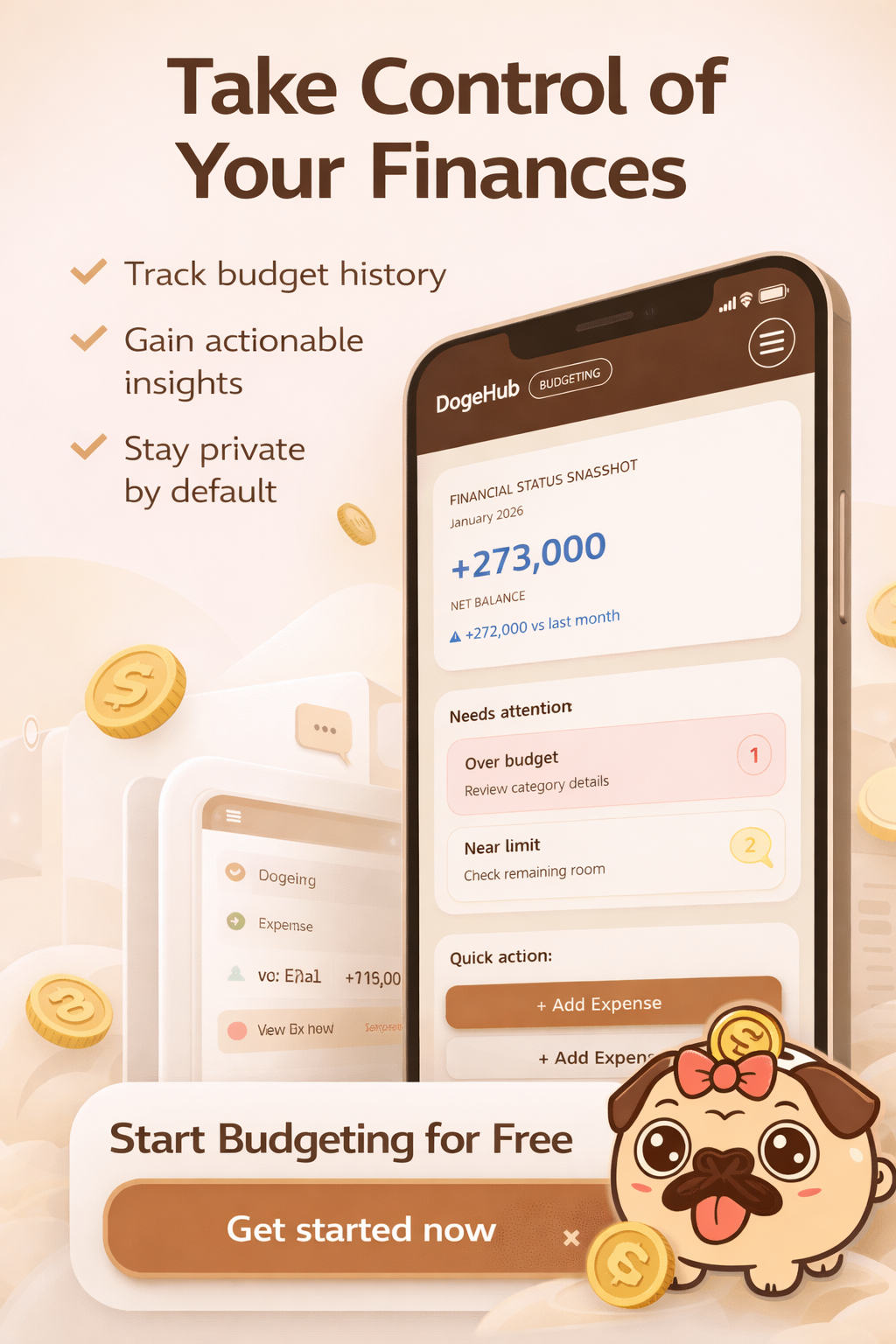
Each month, you open the Plan screen for that month and set how much you expect to earn and spend, category by category. Estimates do not need to be exact; a rough starting point is enough, and you can revise it as the month goes.
Setting category limits
Category limits (caps) are set per month, per currency. A category can have a different limit in each currency you use, and saving one currency's limits never touches another currency's numbers for the same category.
Recording income and expenses
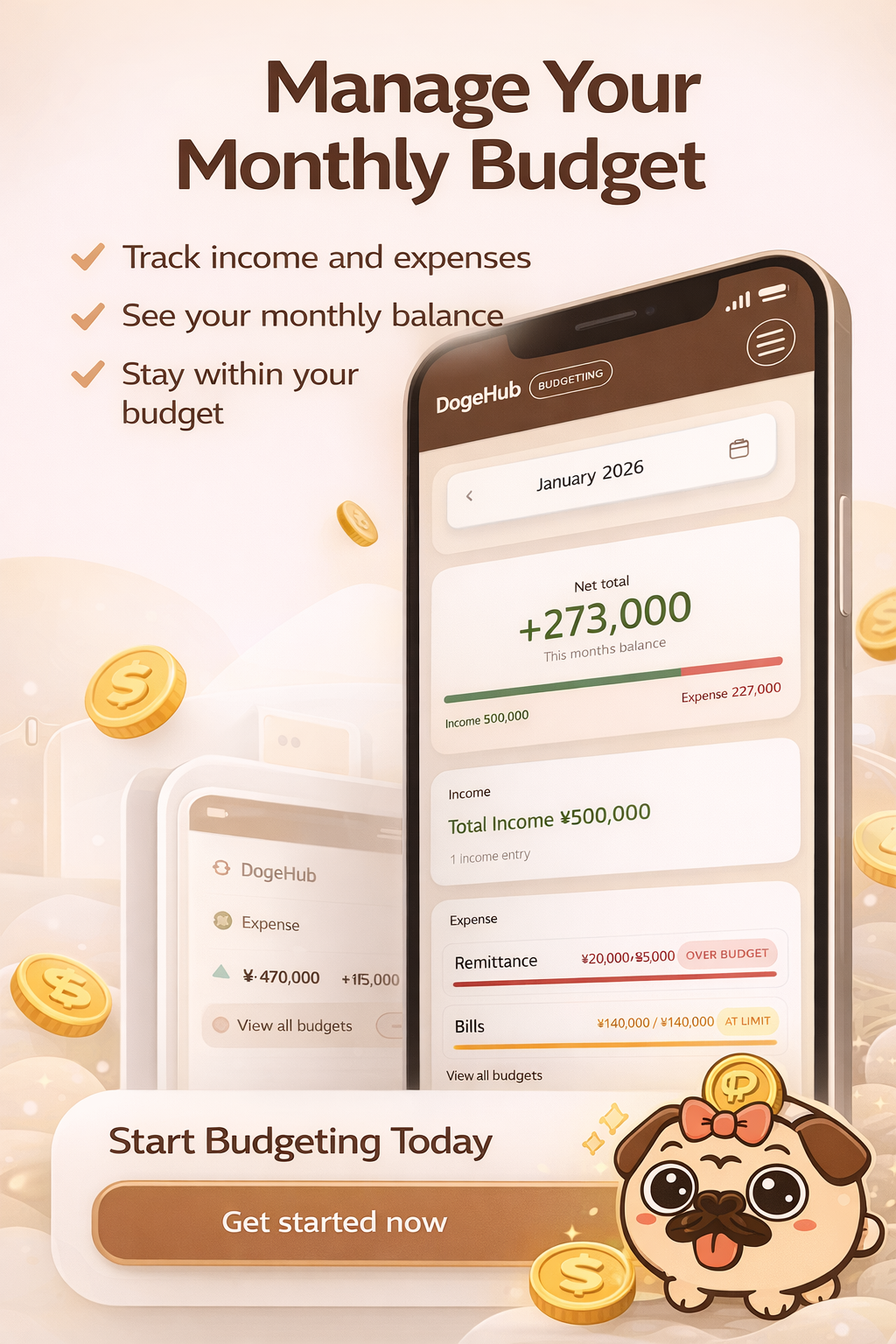
Entries are typed in manually; there is no bank connection. Amounts are parsed and stored as exact integer minor units (not floating-point), so rounding errors do not creep in over time. Not every currency uses 2 decimal places: JPY and KRW use 0, BHD and KWD use 3, and the app rejects excess decimal input rather than silently rounding it.
Reviewing plan versus actual
The Review screen lays your planned amounts next to what actually happened for the month, category by category, so you can see where you were close and where you were off, without reconstructing the comparison by hand.

Adjusting next month
The Adjust screen is where you turn what you learned in Review into changes for next month's plan: raising a limit that was unrealistic, or lowering one that consistently goes unused.
Recurring entries
You can define recurring income or expense rules (rent, a subscription, a paycheck) that generate entries on a schedule, including whether an expense should be deducted from income automatically. This is a manual rule you define yourself. It is not automatic detection of subscriptions from a connected bank account, since no such connection exists.
Multiple currencies
Every currency you use is an independent ledger. Totals, category limits, plans, reviews, adjustments, and rollover are always grouped by currency: there is no automatic conversion, and amounts in different currencies are never added together into one figure. Your profile's default currency is only a starting point for new entries; changing it never rewrites past records. Entries created before this existed are marked unresolved until you confirm their original currency, one time, on your profile.
Deleting your account
Deleting your account is permanent, not a soft "deactivate." It removes your budget entries, plans, reviews, recurring rules, and profile data along with it. You are asked to confirm your password first, and you are signed out immediately afterward.
Data retention
A monthly job looks at entries older than a retention window (currently 24 months), rolls each month up into per-currency totals for your records, and then removes the individual raw entries for that month. If any currency on your account is still unresolved for that month, the whole month is skipped and nothing is summarized or removed until you confirm it.
This page describes the product as implemented today. Features may change as DogeHub Budgeting continues to develop; see the User Agreement for the current beta terms.